How I Rewrote a Kindergarten Website from Static HTML to WordPress
Problem
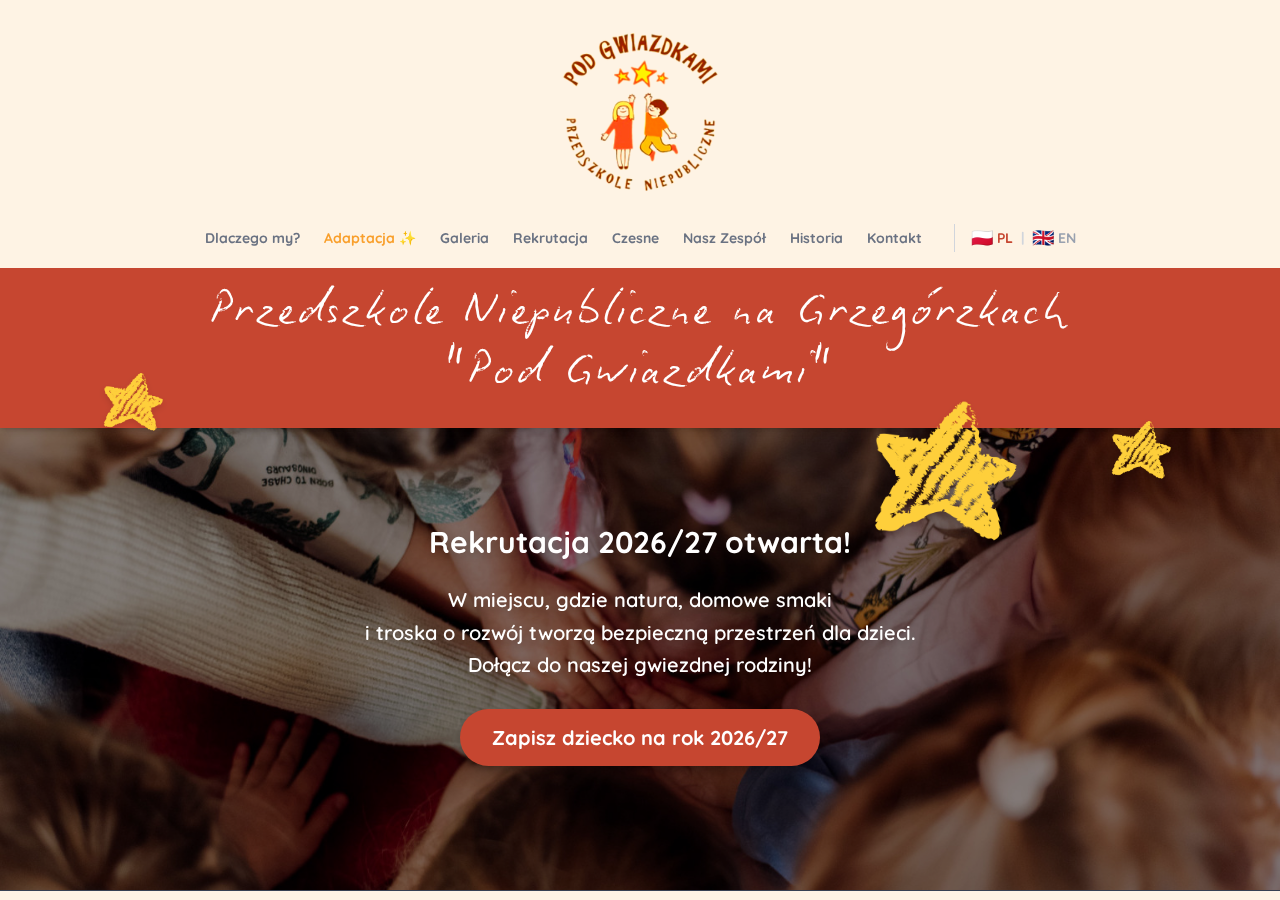
The kindergarten website was built around 2014-2016 and had been running on an old CMS that had barely been touched since then. The site looked dated and neglected — broken layouts, outdated design, the works.
At one of the parent meetings, someone brought up the idea of refreshing the website. A group of us decided to help — and one mom in particular took the lead on the project, coordinating photos and content while I handled the technical side.
Solution
Looking back, the whole journey was a mix of manual work and heavy AI assistance — 90-95% of the actual work was done by AI in one tool or another. Here's how it went:
Phase 1 — Static HTML
It started with OpenClaw, which generated the first draft of the static HTML site. Then Google Gemini came in to polish and refine the design. With photos and content direction from the project lead, we iterated on the design using both tools until the static site was ready.
Phase 2 — Breaking into modules
Once the static site was live, I broke it into separate files with modals to make the WordPress migration easier. This entire phase was done using JetBrains AI — it restructured the monolithic HTML into organized sections with proper modal windows, ready for migration.
Phase 3 — The WordPress migration attempts
This is where things got interesting. I tried several approaches to automatically convert the site to WordPress using AI — Gemini, JetBrains AI, and ChatGPT. Every single one failed. They all had the same problem: they would convert everything into a single "Custom HTML" component instead of proper Gutenberg blocks. That defeated the whole point — the kindergarten staff needed a visual editor, not a blob of HTML.
Phase 4 — Manual migration + AI assistance
I started manually migrating sections myself. Once I had two sections done properly with Gutenberg blocks, I asked AI to replicate my pattern for the remaining sections. It worked reasonably well, though with some errors that needed manual fixing.
Phase 5 — The game changer
Then I discovered Antigravity. In one shot, it handled the remaining migration beautifully — proper Gutenberg blocks, clean structure, everything I had been struggling with for days. It was the tool I wish I had from the beginning.
Phase 6 — Final touches
After Antigravity did the heavy lifting, it was just a matter of fine-tuning: individual styling fixes, translating the English version, and creating the editing guide for the kindergarten staff. For the final step — the editing guide — I used Antigravity combined with Hermes.
The numbers: roughly 30-40 hours total, almost all of it with AI assistance.
Why it was awesome
Honestly, this project was a blast. Not because of the code or the design — but because it was a real playground for trying out AI tools I don't normally get to use.
I work in a corporate environment where we do have some great AI tools, but the selection is limited and everything goes through vendor assessments, security reviews, and approval processes. Finding a tool you're actually allowed to use can take weeks.
But for a personal project? Total freedom. I could throw every AI tool at the wall and see what sticks — Gemini, JetBrains AI, Antigravity, ChatGPT, OpenClaw, you name it. No approvals, no restrictions, just pure experimentation.
And the best part is that the kindergarten got a proper, maintainable website — and the staff can now update it themselves without calling me every time they want to change a phone number or add a photo.
If you're sitting at work right now reading this and thinking "I wish I could try these tools" — do it. Find a side project, something small, just to play.
This post was generated with the help of my new toy — the Hermes AI agent, running entirely from Telegram. It helped me write the website editing guide and draft this very post. All from a chat window. Pretty neat, right? Thanks Jerr-Z for showing Hermes!